Conflict bars in the schedule show known overlaps for selected team members. They can represent both busy periods and possible conflicts. No bars does not automatically mean everyone is available.
Check these points
- Are the correct team members and time range selected?
- Has the person accepted the project invitation and shared their availability with this project? Calendar privileges offers Nobody, Admins, and Team. Being an admin does not override this permission.
- Are relevant times recorded in connactz as events or absences? An external calendar is not mandatory.
- If an external calendar is used, the person should check its connection status and each subcalendar's setting under Integrations → Your calendars. No conflict excludes that subcalendar's appointments from conflict checks.
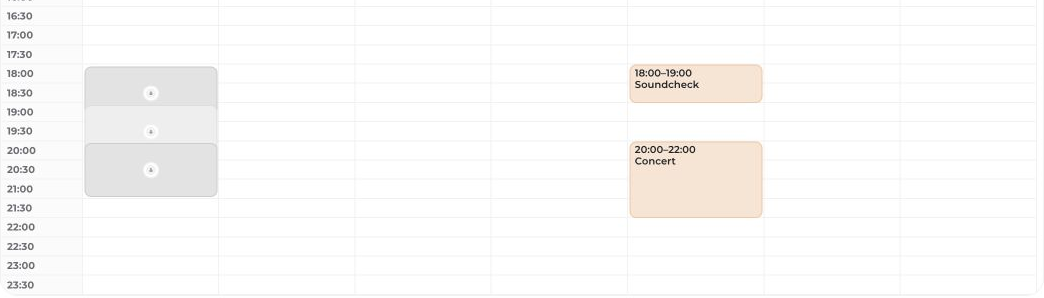
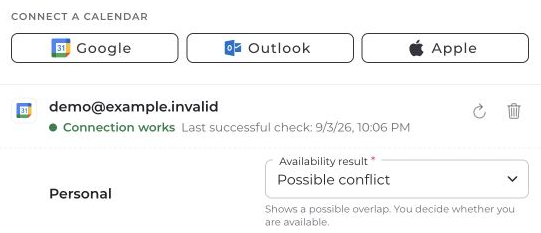
Missing permissions, incomplete information, or a failed calendar connection can leave gaps. For guests or uncertain data, rely on an explicit response rather than an empty calendar area.
If the display remains unclear, contact [email protected] with the affected project and time range. Do not share private appointment contents or credentials.


