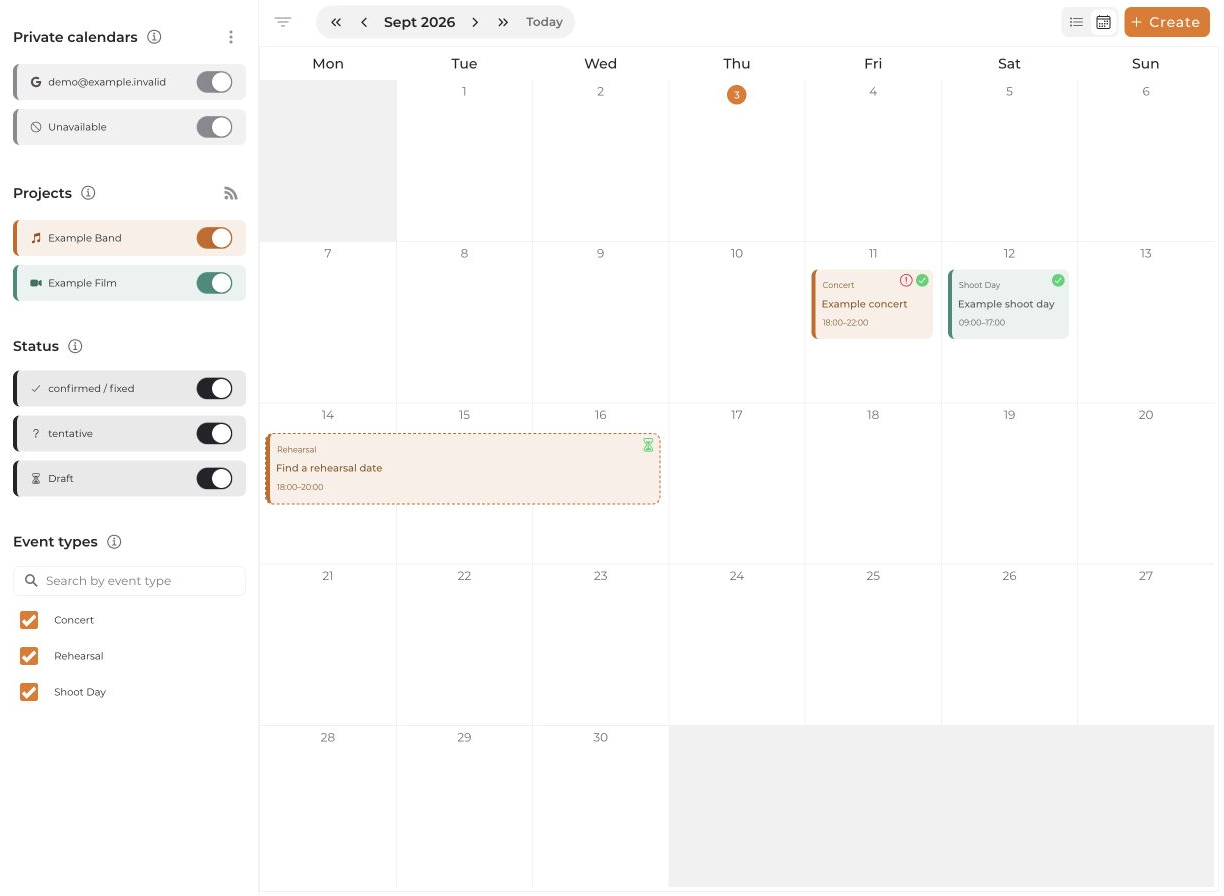
An Absence marks a time when you are unavailable. A Note is only a calendar entry and does not block your availability.
Add an absence
- Open the central calendar and select Create. If a menu appears, choose Note / Absence.
- Select Absence and choose its visibility:
- Only me: Details stay private.
- Team: The title and notes are shared with the selected team.
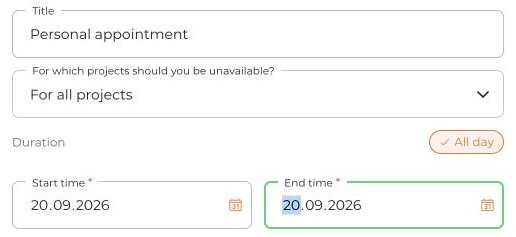
- Choose whether the absence applies to a specific project or For all projects.
- Enter a start and end; enable All day if needed. Check the title and select Save.
Private iCal feed exception: If you enable it, your own absences and notes can also be sent to your calendar app. Anyone with the feed link can read the included titles. “Only me” therefore does not protect against sharing that link.
As a project admin, you can also select another member of that project. That person must accept the proposed absence first; it does not immediately take effect as a confirmed absence.
Display and private calendars
Calendar filters can hide entries from the view. This does not change whether an absence counts in availability checks.
Connected Google, Outlook, or Apple calendars are managed separately. Their effect on conflicts depends on each subcalendar's setting; they are not automatically converted into manual absences.