Reset your password
- Open the login page and select Forgot your password.
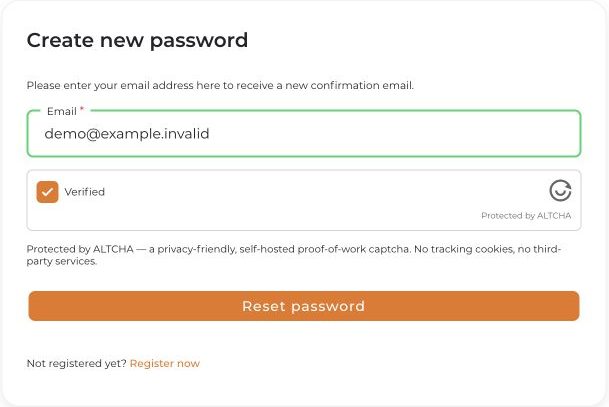
- Enter the email address of your connactz account and select Reset password. Complete any security check shown.
- Open the link in the password-reset email. Check your spam folder too. If the address is not recognized, check it for typos.
- Enter your new password twice, follow the requirements shown, and confirm with Reset password.
- Sign in on the login page with your new password.
If the email does not arrive, the link does not work, or you no longer have access to the mailbox, contact [email protected]. Do not share your password or reset link.


