Open Projects in the sidebar and select your project to reach its overview.
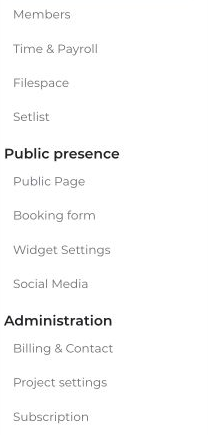
The project navigation includes:
- Members: View the project team; admins can invite and edit people.
- Public Page: Admins can edit the project's public presence.
- Billing & Contact: Admins can maintain the project's contact and document details.
- Project settings: Personal settings such as color, calendar privileges, priority, and automatic acceptance.
Other available sections depend on your role, project type, and enabled features. These sections are not all part of the dashboard itself.


