As an admin of an open project, edit a music or film project's public presence under Public Page. This guide covers the project page, not your personal artist profile.
- Open the project and select Public Page.
- Review its name, profile image, and description. The description supports up to 1,200 characters.
- Add the details appropriate to the project type: for music, the lineup, genres, Booking for, home location, and travel radius; for film, the narrative style, author, and contract partner.
- Optionally add more images, the available website/social links, and YouTube videos.
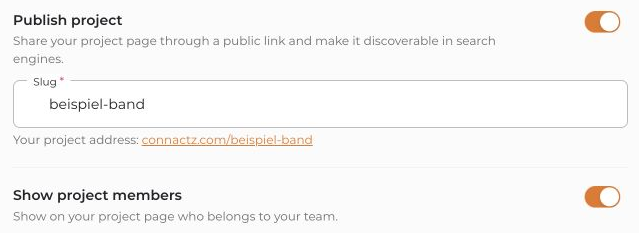
- To make the page publicly accessible, enable Publish project and review the slug or public address shown. Also check whether project members should be displayed publicly.
- Save your changes with Save.
- Then choose Open public project page and review the published content. Check the link while logged out too.
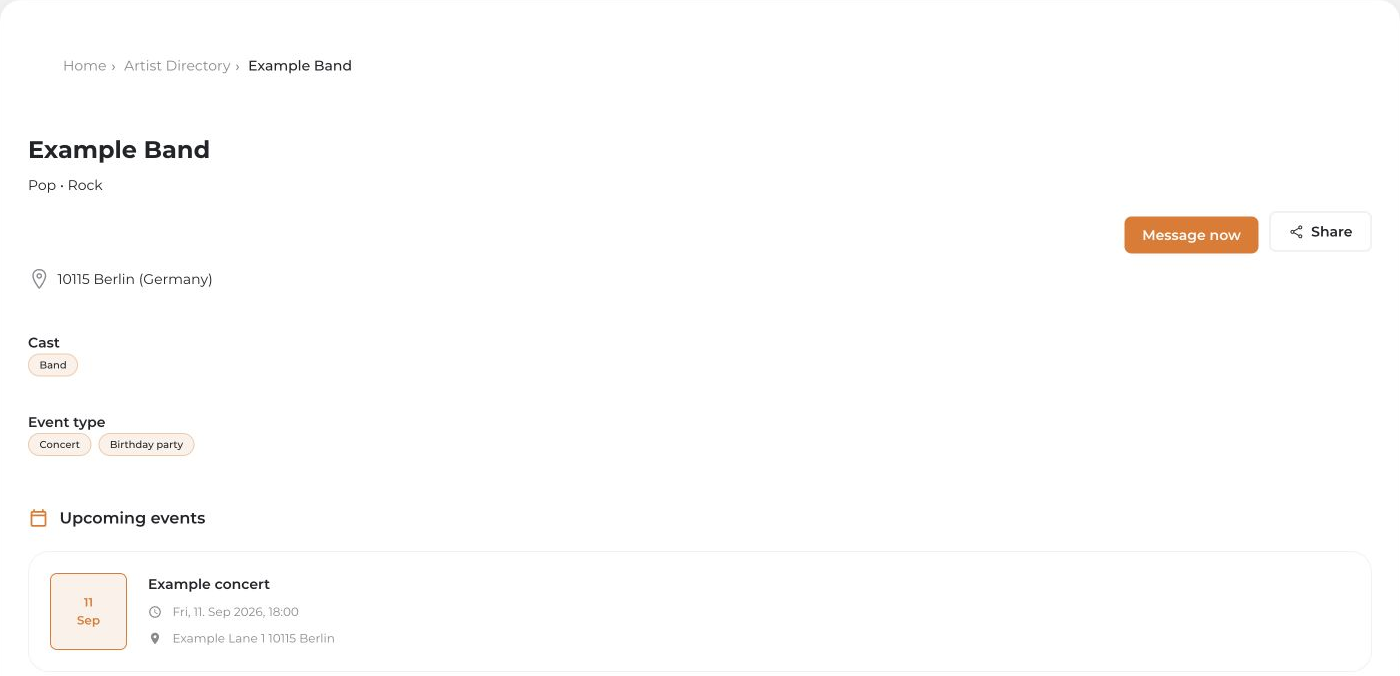
If the project is not published, its public page is unavailable to visitors. Publishing does not automatically make all internal project data public.


