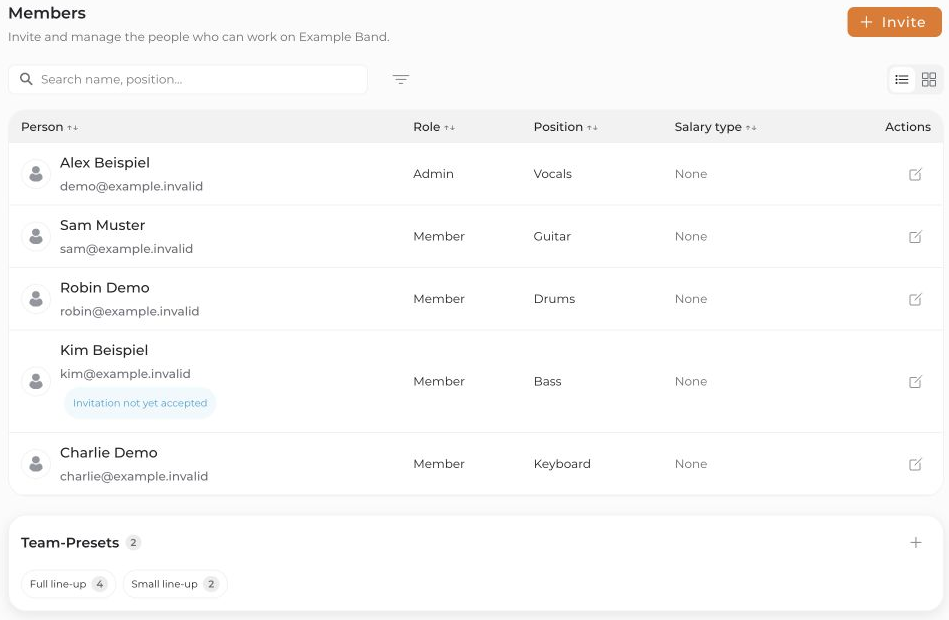
Open Members in the project to view its team. You need the Admin role in an open project to invite or edit other people.
- Invite: Use Invite or the invitation action in the guidance banner. See Invite team members for details.
- Edit: Open the pencil icon beside a member. Adjust their role or positions, for example, and save.
- Remove: Use the removal action in the member details and read the confirmation. It removes that person's project access, not their entire connactz account.
A project must retain at least one confirmed admin. Members and guests cannot manage the team; they can use Leave project to leave themselves.
A pending project invitation and acceptance of an individual event are different states.


