Invite a team for an event
As an admin of an active project, you can use the Staffing Agent to invite team members to an event. You decide whom you need and how invitations are sent.
Step by step
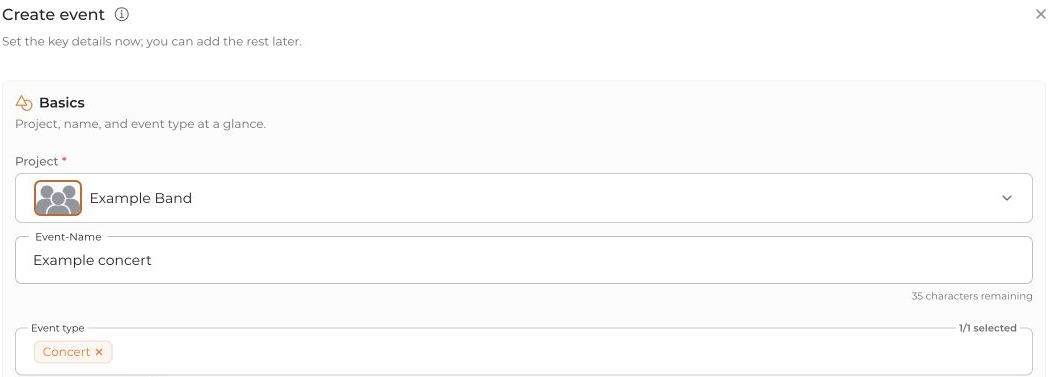
- Create an event in Calendar and select the project, event type and date.
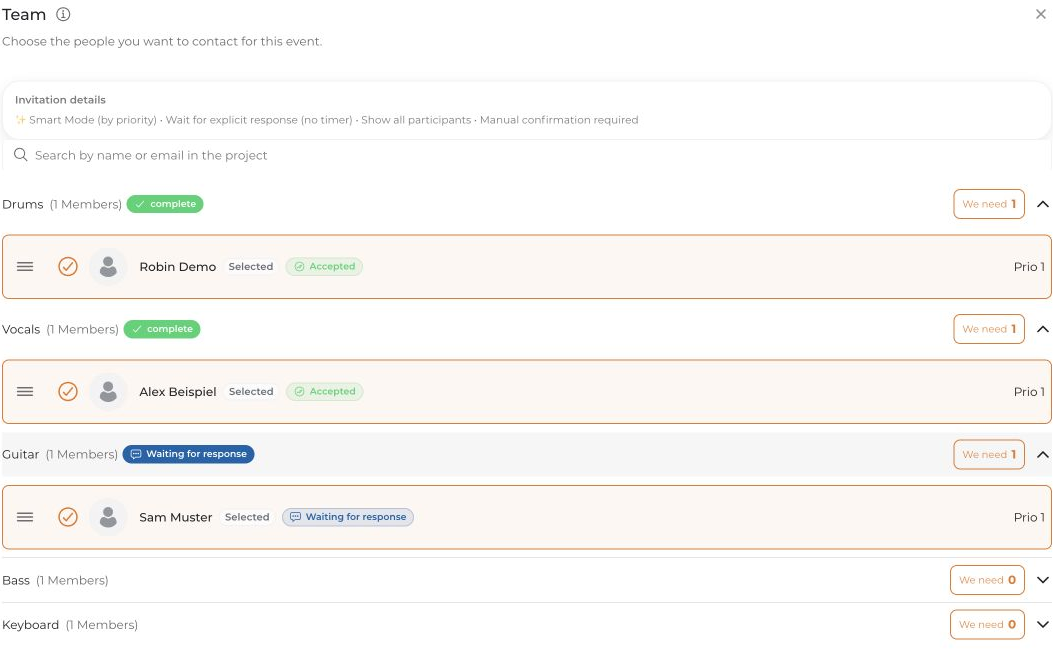
- Open Team. Select candidates for each position and set the required number. In Smart Mode, you can arrange selected people by priority.
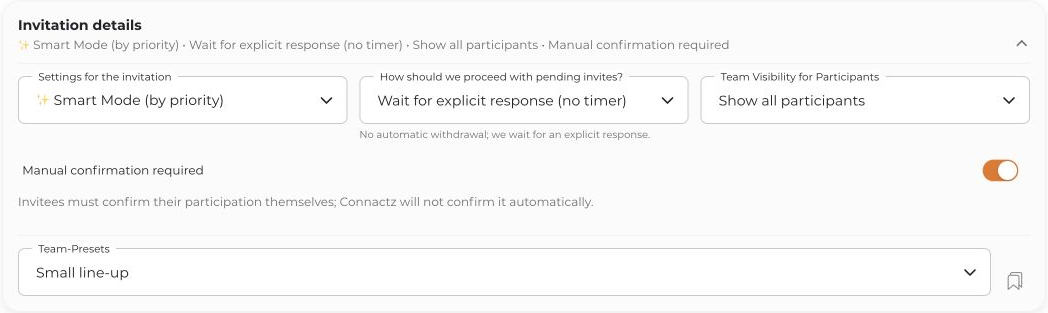
- Review Invitation details:
- Smart Mode: Requests follow priority, based on the places still needed.
- First Come, First Served: All selected people are invited; confirmations fill the available places.
- Invite all selected (no limits): All selected people can participate.
- Choose whether Manual confirmation required should be enabled. This disables automatic acceptance through Auto-Accept; it does not mean an additional approval by you.
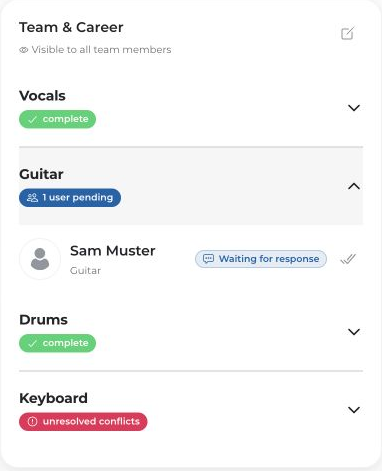
- Review the information and click Create event. Afterwards, check the invitation status in the Team section.
Being selected on the shortlist does not confirm participation. Even people marked as mandatory can decline.
Without an account
Team members can be invited at their stored email address and accept or decline through the invitation link without registering first. An invitation cannot be delivered without a usable contact channel.
If positions remain open, check outstanding replies and add further candidates if needed. Do not rely solely on a notification.


