For music projects, you can share a link to the public inquiry form or embed a website widget. The widget is not available for film crew profiles. Changing these settings requires admin access to an open project.
Share a link
- As a project admin, open Public Page and ensure the project is published and saved.
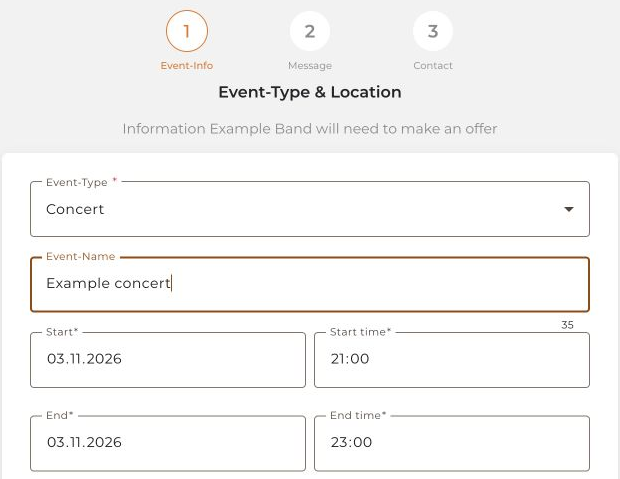
- Open the public project page and its inquiry form.
- Copy the form's address from your browser. You can share this link on your website or in a social-media profile.
Embed a widget on your website
- Open the music project as an admin in the desktop web app and select Widget Settings.
- Add your website's domain in the allowed-websites area.
- Enable Enable booking form plugin, adjust its appearance, and save.
- Copy the Embed code and add it to your website. Your website system must allow this HTML/script code.
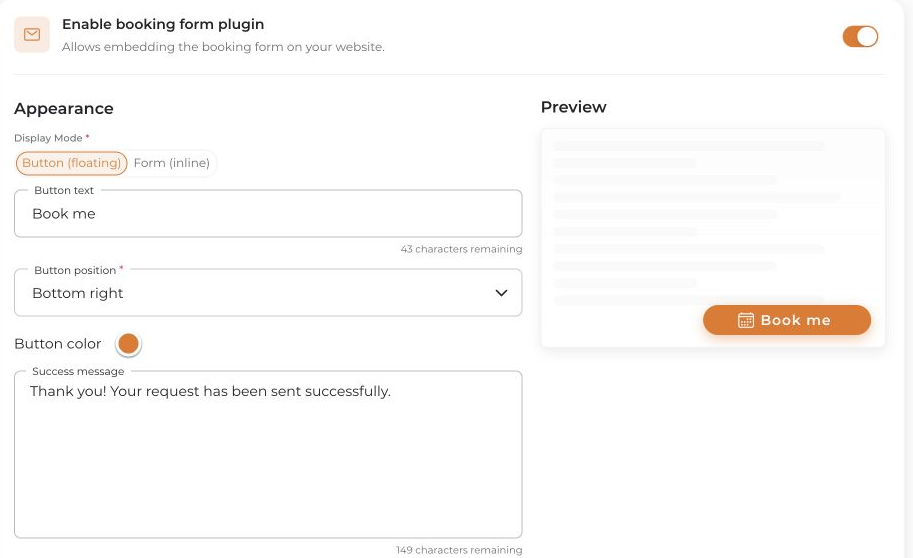
Open the finished page while logged out and check that the correct project and inquiry form appear. Do not submit an inquiry just to check the display.
A social-media link is different from an embedded widget: use the browser address for profile links, not the embed code.


