To create a music or film project in the web app:
- Open the sidebar and find Projects.
- Click the plus icon, Create project.
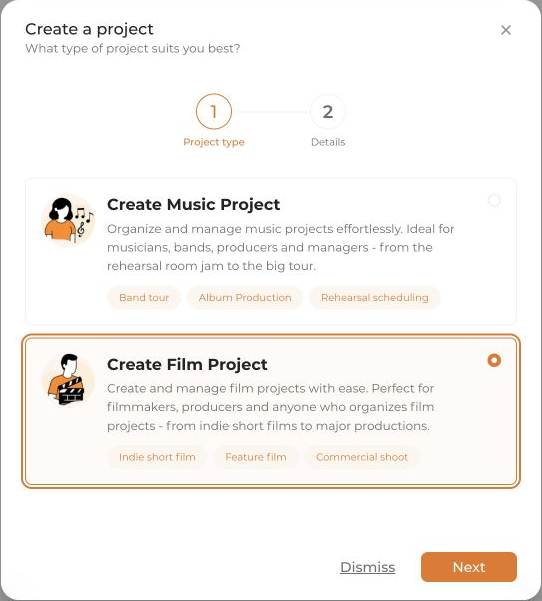
- Select Create Music Project or Create Film Project, then choose Next.
- For a music project, you can use a website to prefill details. To enter them manually, choose Continue without website.
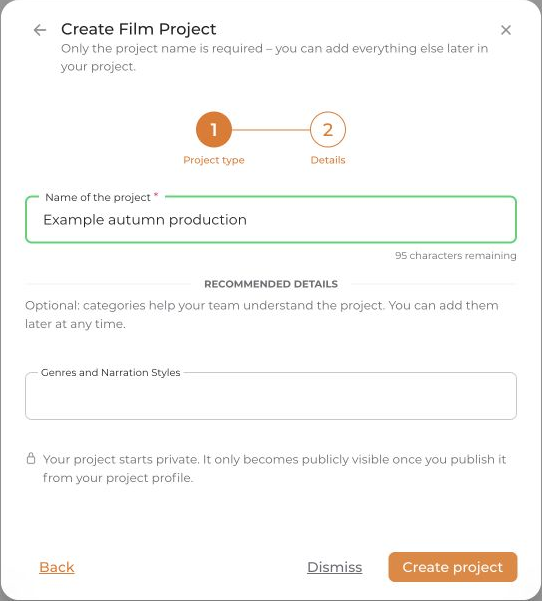
- Enter the project name. For music projects, you can also add the lineup, genres, event types, and home location. For film projects, you can select the narrative style. These additional details are optional during creation.
- Review the details and click Create project. Check automatically imported content before saving.
You can then invite your team under Members in the project.


