Your personal profile introduces you as an individual. A band's or music project's public page is managed separately within that project.
Edit your personal profile
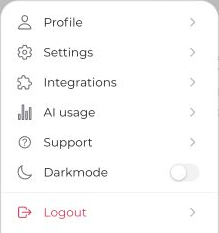
- Open your avatar menu and go to your personal profile.
- Upload a profile picture and check your username, stage name, or nickname.
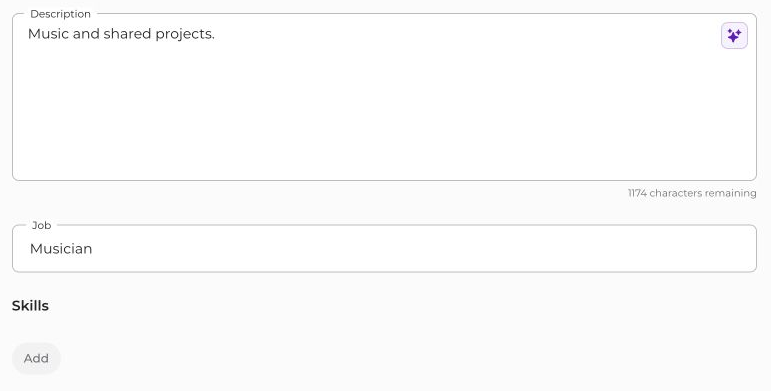
- Add a description, profession, and skills as needed.
- Save your changes using the bar that appears at the bottom.
Publication and availability
Turn on Publish profile to make your personal profile page public. This requires a profile picture and description; also check the displayed profile address and save.
Once the profile is public, you can additionally enable Show availability. Public availability does not show titles or contents of your private calendar appointments. Missing or unreliable calendar data is not confirmed free time, however.
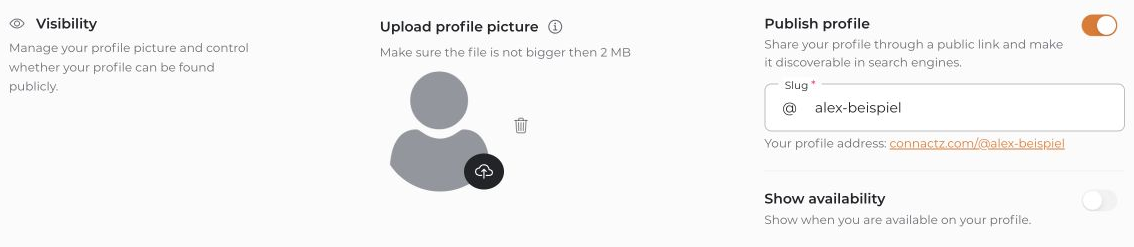
Turning publication off makes your profile no longer publicly accessible in connactz; it does not delete your project memberships or all information you previously shared with projects. Before publishing, check your text, links, and media for details you do not want to make public.


