As an admin of an active project, you can record appointments arranged by phone, email, or in person in connactz. A message on its own is not a calendar entry.
Create an event
- Open the central Calendar.
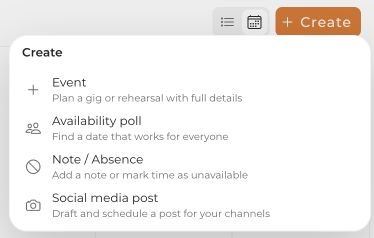
- Select Create at the top, then Event. Alternatively, select a day and use its action for planning an event.
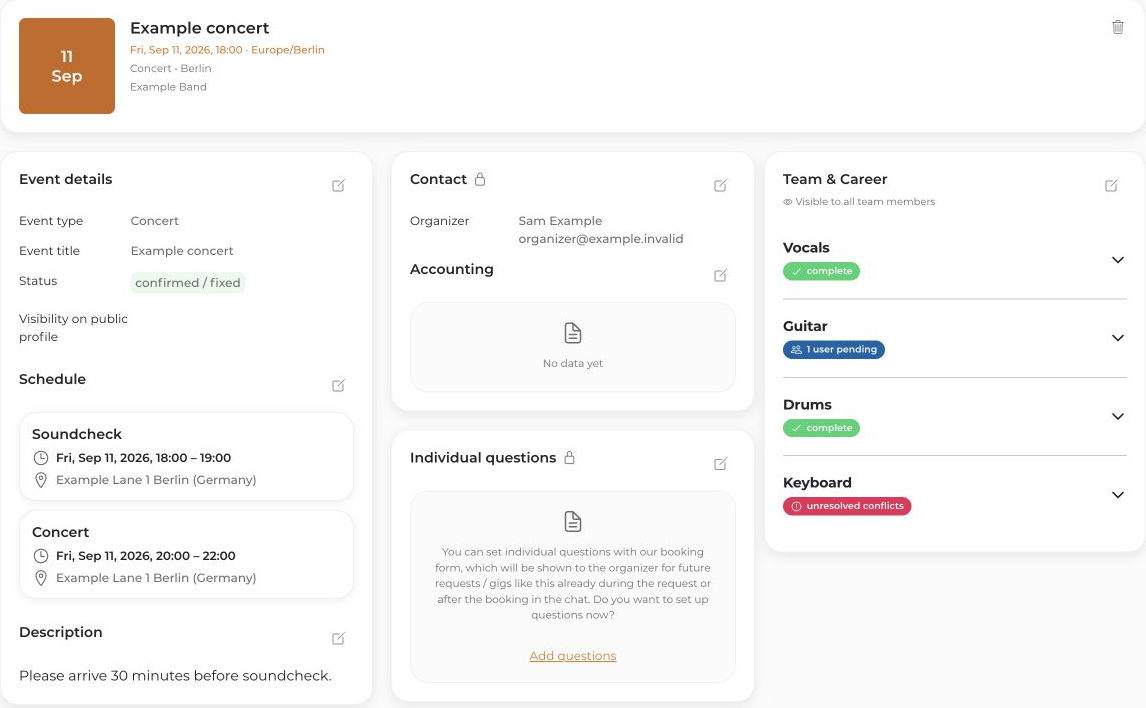
- Select the project and enter the date, time, and required event details.
- Review the details and select Create event.
If the event action is missing, check your project role: Regular members can add their own absences but cannot create project events. Creating an event does not automatically confirm every team member's participation.


