Yes. As a project admin, you can save several team presets and select one when creating an event.
- Create a new event for your music project in the calendar.
- Open Team in the creation flow.
- Select an existing preset or assemble positions and people for that date.
- Use Save current team as preset for a new template. Save changes to a selected preset through its preset action and confirm them. Also review the invitation settings carried over by the preset.
- Review the remaining event details and finish creating the event. Saving a preset alone does not create an event.
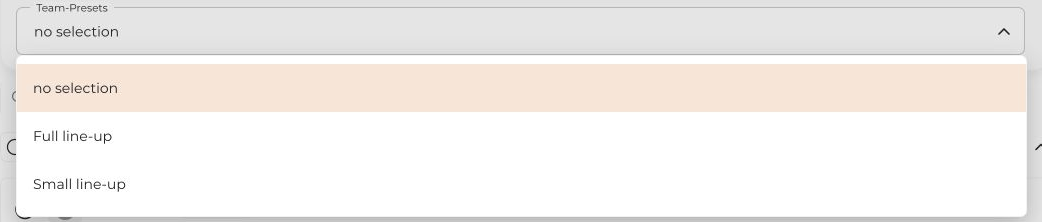
You can also manage saved presets under Members in the project. For an existing event, edit its team directly; there is no preset selection field there.
Separate music projects are useful for separate public identities or teams; different lineups alone do not require them.


