Yes. As a project admin, you can record a request received outside connactz as an event.
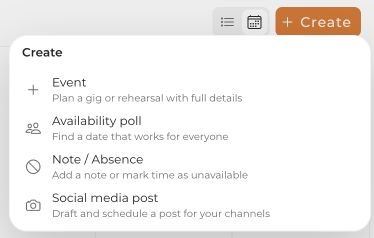
- In Calendar, open the create menu and select Event.
- Select the project and enter the name, event type, date and time.
- Select the appropriate booking/planning status: provisional for an unconfirmed date, or confirmed for a date already agreed.
- Add the location and contact details if needed. Under Team, select the people connactz should invite.
- Review the invitation and contact details, then click Create event.
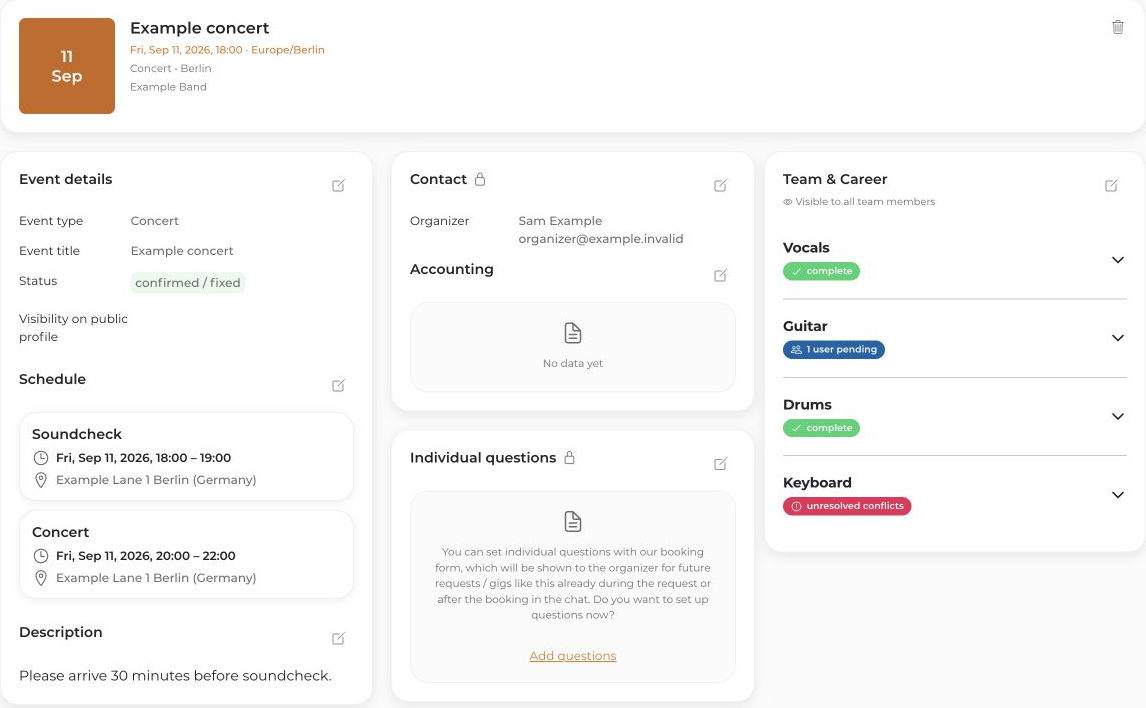
Creating an event does not automatically import your email or phone conversation. Enter the relevant agreements yourself. Selected team members are invited according to the invitation settings.


