As an admin of an open project, you can coordinate date options with your team.
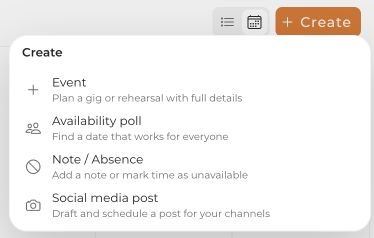
- In Calendar, open the create menu and select Event.
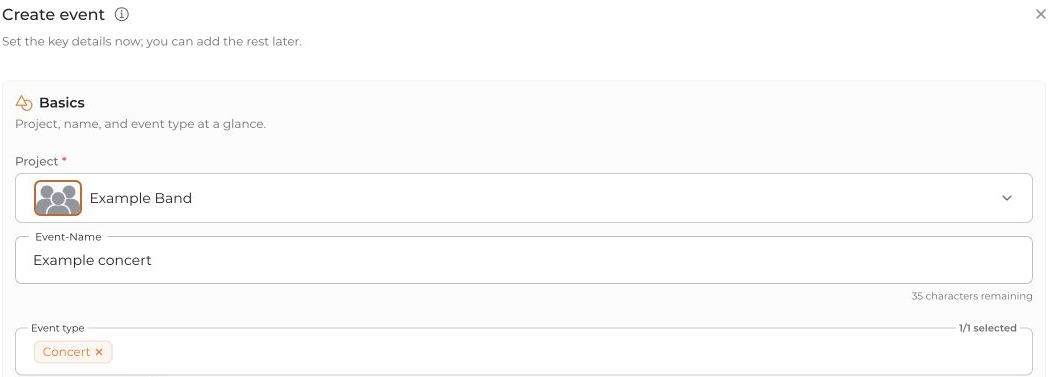
- Select your film project and enter the name and event type.
- Under Date & time, select Coordinate date.
- Select the people whose availability you want to collect.
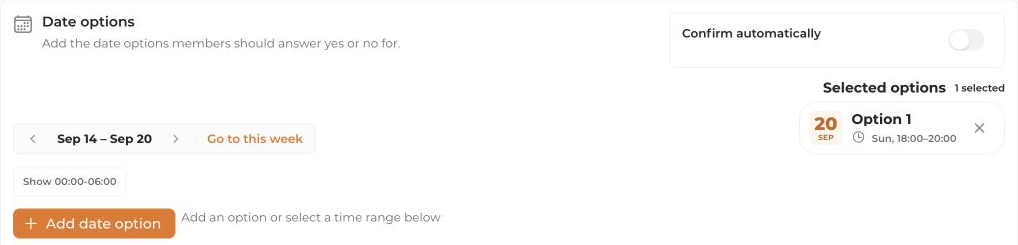
- Add at least one possible date option to the planning grid. Consider the calendar conflicts shown.
- Check Confirm automatically: when enabled, connactz can confirm the event automatically if exactly one option works for everyone selected. Disable it if you want to choose the date yourself.
- Start coordination with Coordinate a date with … people and follow the results in the resulting planning entry.
No visible conflicts do not prove that someone is free: calendar data may be incomplete. Date coordination considers available calendar data and requests necessary replies through available contact channels. Review missing replies and unclear results before making firm plans.


